Easy to Find, Easy to Download PDFs!
We always try to make things easy to find, download and use. Since moving to this platform, the most common feedback has been about finding PDFs for course materials.
Starting today, all downloads will be at the bottom of the 0.1 Materials & Downloads lesson, regardless of whether you are on the desktop or in our app.
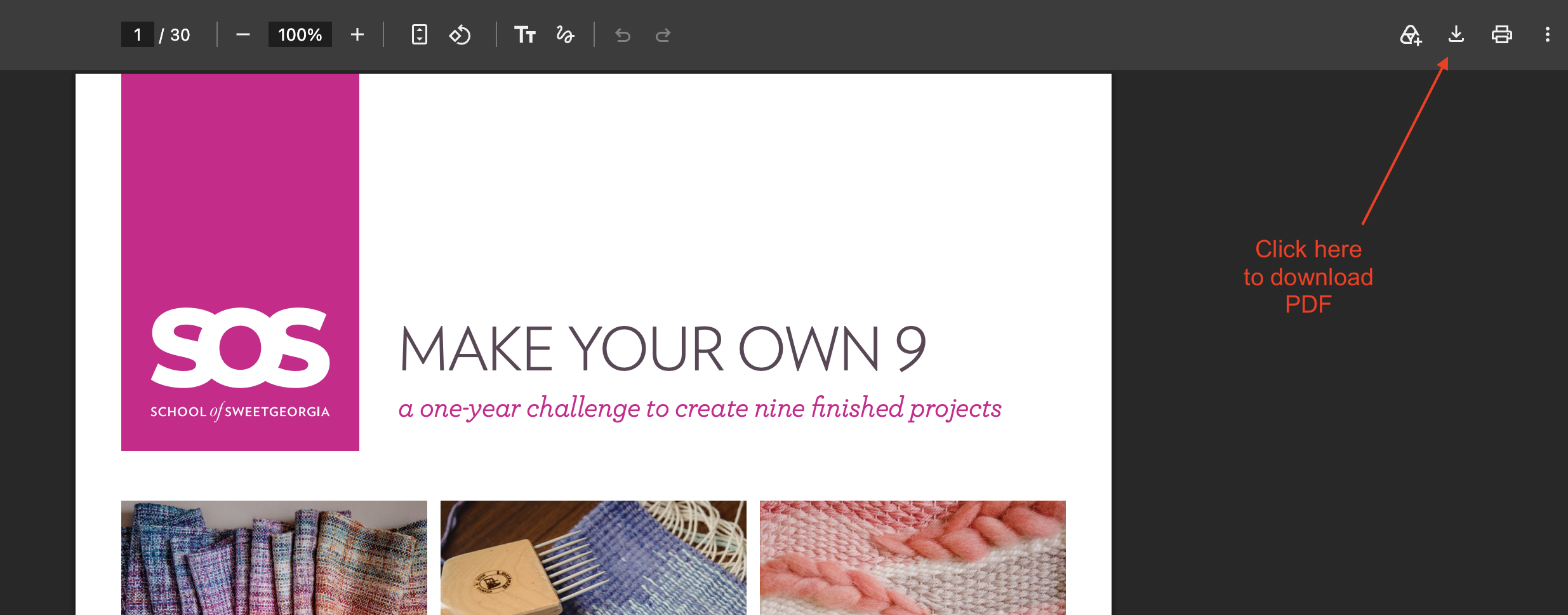
Just click the PDF to open it. From there, click the download button (downward arrow in the top right-hand corner).
We hope this helps so you spend more time learning and less time hunting for downloads 🙂